
Keep Your Ringer Quiet and Your Alarms Loud in iOS 27
Your ringtone can be discreet without making your timers hard to hear. iOS 27 lets you set alarms and timers to their own volume. Here’s where to find it.

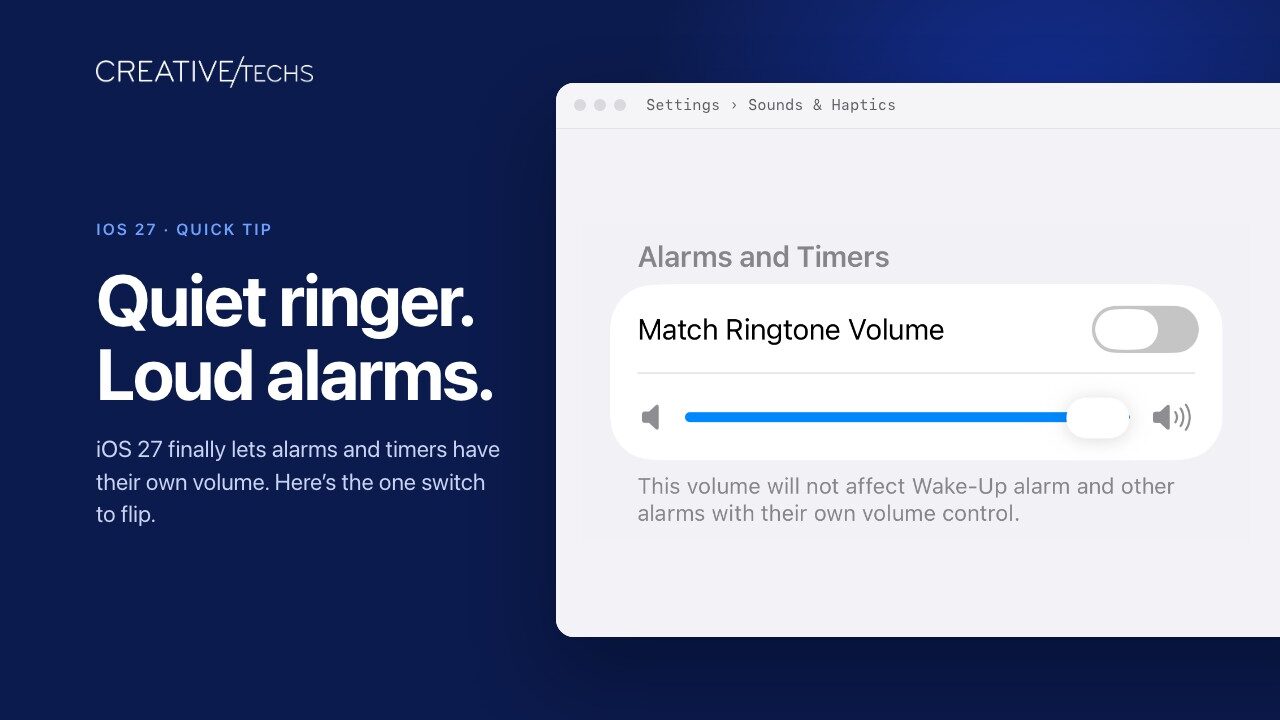
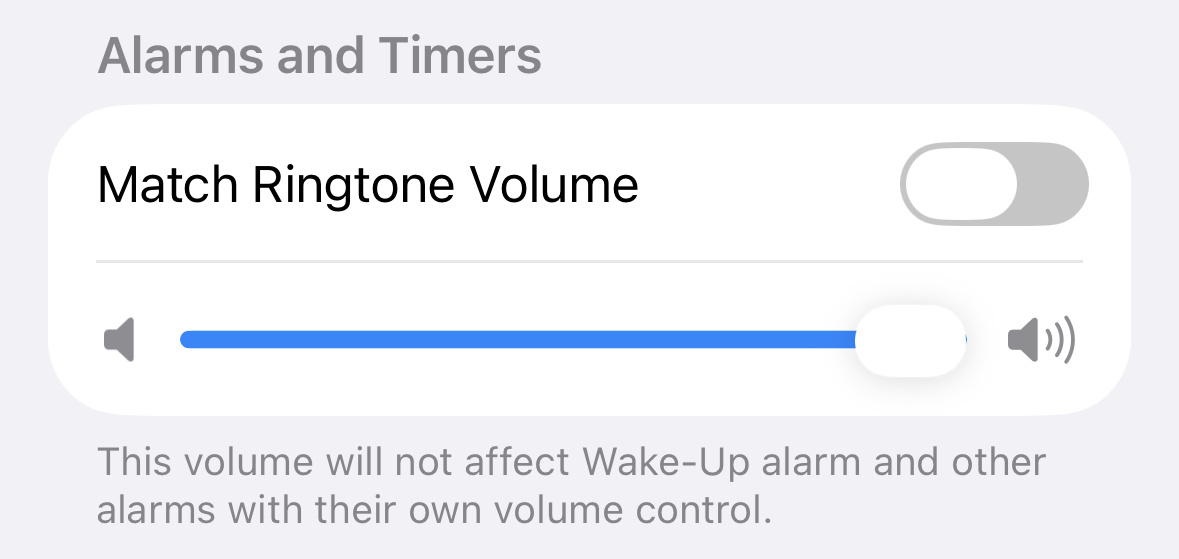
Want a quiet ringtone without making your kitchen timer easy to miss? In iOS 27, you can set alarm and timer volume separately from ringtone volume. By default, they’re still linked, so you’ll need to change a setting. Go to Settings > Sounds & Haptics, find Alarms and Timers, and turn off Match Ringtone Volume. Drag the slider below it to your preferred volume, then adjust the Ringtone slider for incoming calls. Alarms and timers share their own volume setting, so you can keep them loud without making every phone call announce itself across the room. Once you’ve adjusted the sliders, set a short timer in the Clock app to check that the volume suits your surroundings.
More great iPhone tips from the archives…
Moving to iPhone 18? Do These Things First So Nothing Gets Left Behind
An Easier Way to Switch Apps on Face ID iPhones
What’s Liquid Glass, and What to Do If You Don’t Like It
Not sure your Macs are ready for what’s next?
Book a free, no-pressure call. We’ll review your fleet, flag what needs attention, and you’ll leave with a plan either way.
Let’s Talk →Apple news worth your inbox.
One monthly note on the updates that actually affect your workplace. No noise.
Keep reading

Moving to iPhone 18? Do These Things First So Nothing Gets Left Behind
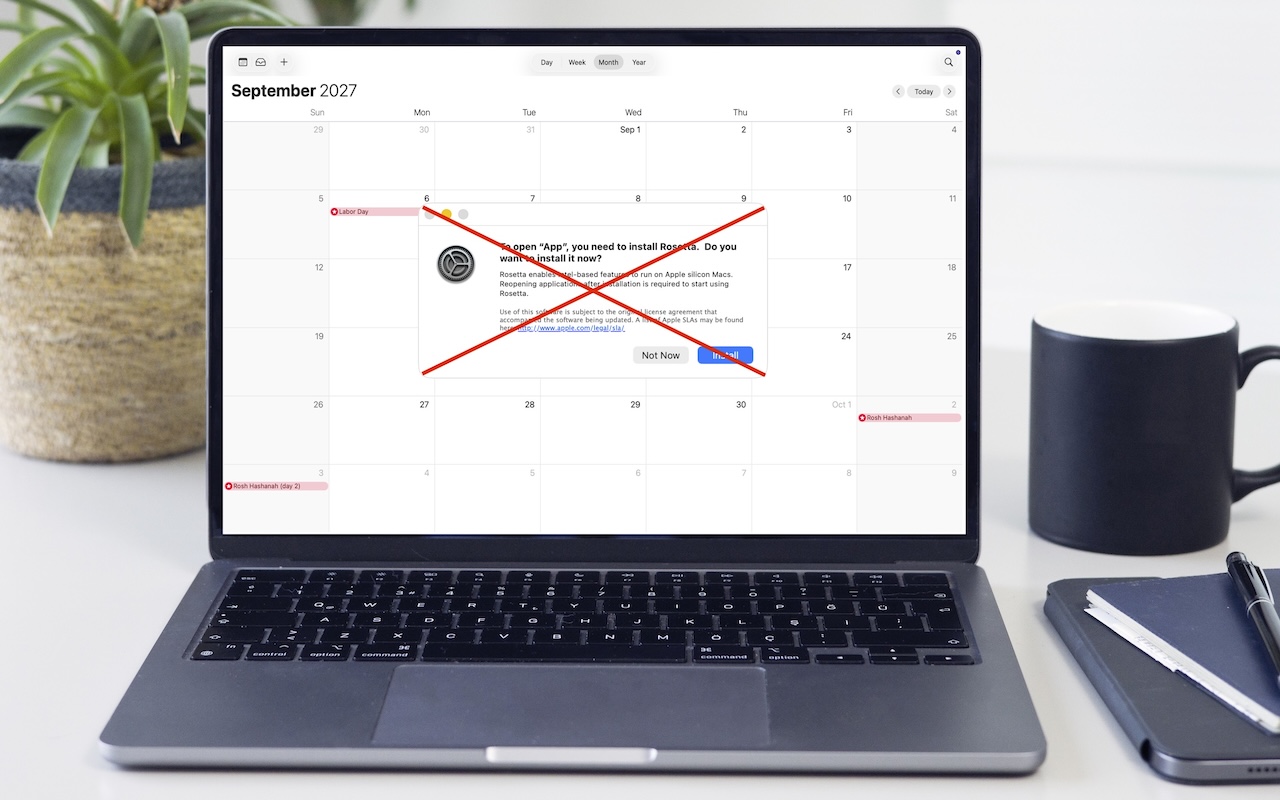
Intel-Based Apps Will Stop Working in macOS 28
