
Try Using a Magic Trackpad 2 with Your iPad Running iPadOS 13.4
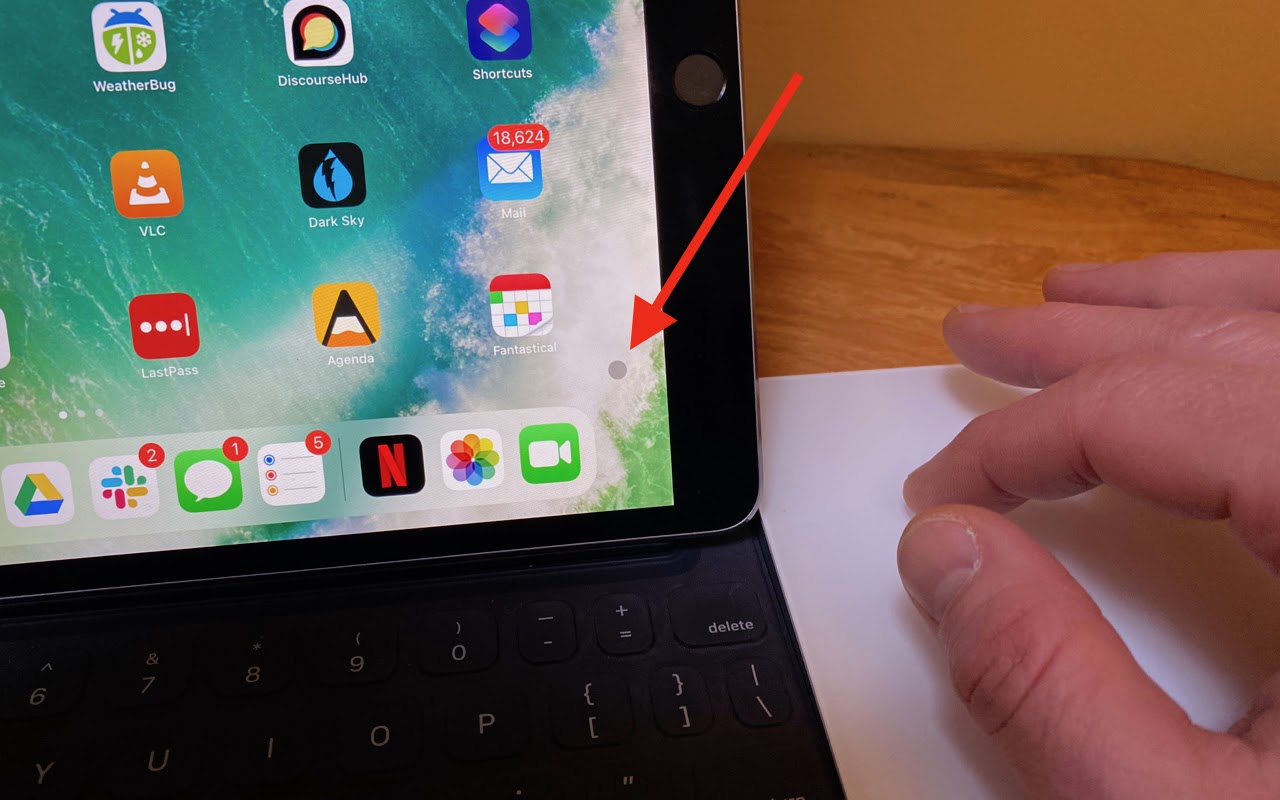
When Apple released iPadOS 13.4 recently, it came with an unexpected feature: trackpad and mouse support.

Try Using a Magic Trackpad 2 with Your iPad Running iPadOS 13.4
When Apple released iPadOS 13.4 recently, it came with an unexpected feature: trackpad and mouse support. Apple plans to release a Magic Keyboard for iPad Pro that has a built-in trackpad in May as well, but in the meantime, you can control an iPad entirely via a Magic Trackpad 2 (the wedge-like one that recharges via a Lightning port). Pair it in Settings > Bluetooth, and look for settings in Settings > General > Trackpad. Apple did an impressive job with integrating a cursor into the iPadOS experience: the small, circular cursor shifts colors subtly depending on the background, becomes a highlighted selection rectangle when over objects, expands icons on the Home screen, and morphs into a thin insertion point when in text. Plus, Apple built in oodles of two- and three-finger gestures to mimic what you can do directly on the iPad screen—see the full list at TidBITS.

(Featured image by Adam Engst)
More new tricks to try…
- Let Your Fingers Do the Walking: 13 Essential Trackpad Tricks for Mac Users
- Having Mac Troubles? Running Apple Diagnostics May Help Identify the Problem
- Tips for Setting Up a Comfortable and Effective Home Work Space
- Easier Ways to Move the Cursor When Editing Text on an iPad or iPhone
Not sure your Macs are ready for what’s next?
Book a free, no-pressure call. We’ll review your fleet, flag what needs attention, and you’ll leave with a plan either way.
Let’s Talk →Apple news worth your inbox.
One monthly note on the updates that actually affect your workplace. No noise.
Keep reading
Intel-Based Apps Will Stop Working in macOS 28

Be Alert for Deepfake Phishing Scams
