
iOS
Clean Up Old Tabs in Safari in iOS with This Quick Trick

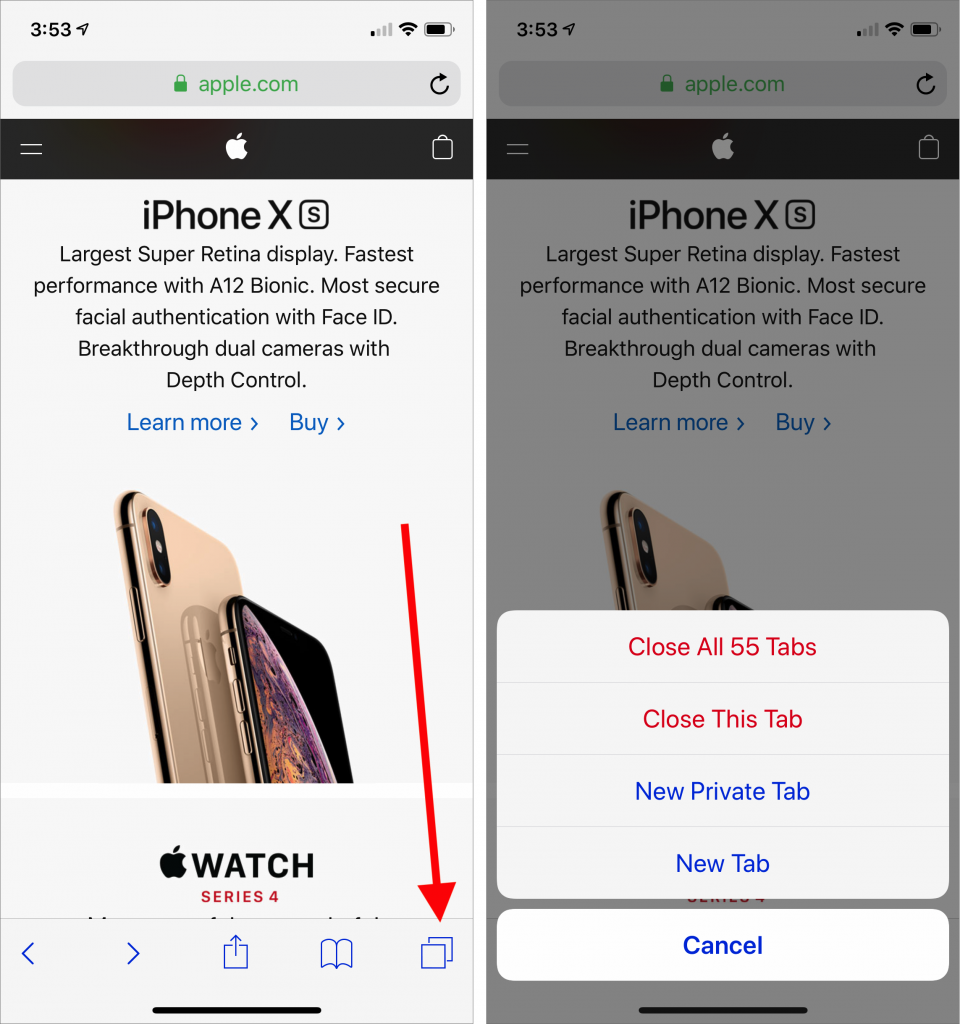
Every time you tap a link to open a Web page in Safari on your iPhone or iPad, it automatically opens a new tab. That’s fine until you realize that you have oodles of old tabs open, making it difficult to find any particular tab. To close all your old tabs in one fell swoop, press and hold on the tab button, then tap Close All X Tabs in the popover that appears.
Apple Premium Technical Partner
Deep Apple expertise, wherever your team works.
Not sure your Macs are ready for what’s next?
Book a free, no-pressure call. We’ll review your fleet, flag what needs attention, and you’ll leave with a plan either way.
Let’s Talk →The CreativeTechs Way
Apple news worth your inbox.
One monthly note on the updates that actually affect your workplace. No noise.
Keep reading
Mac
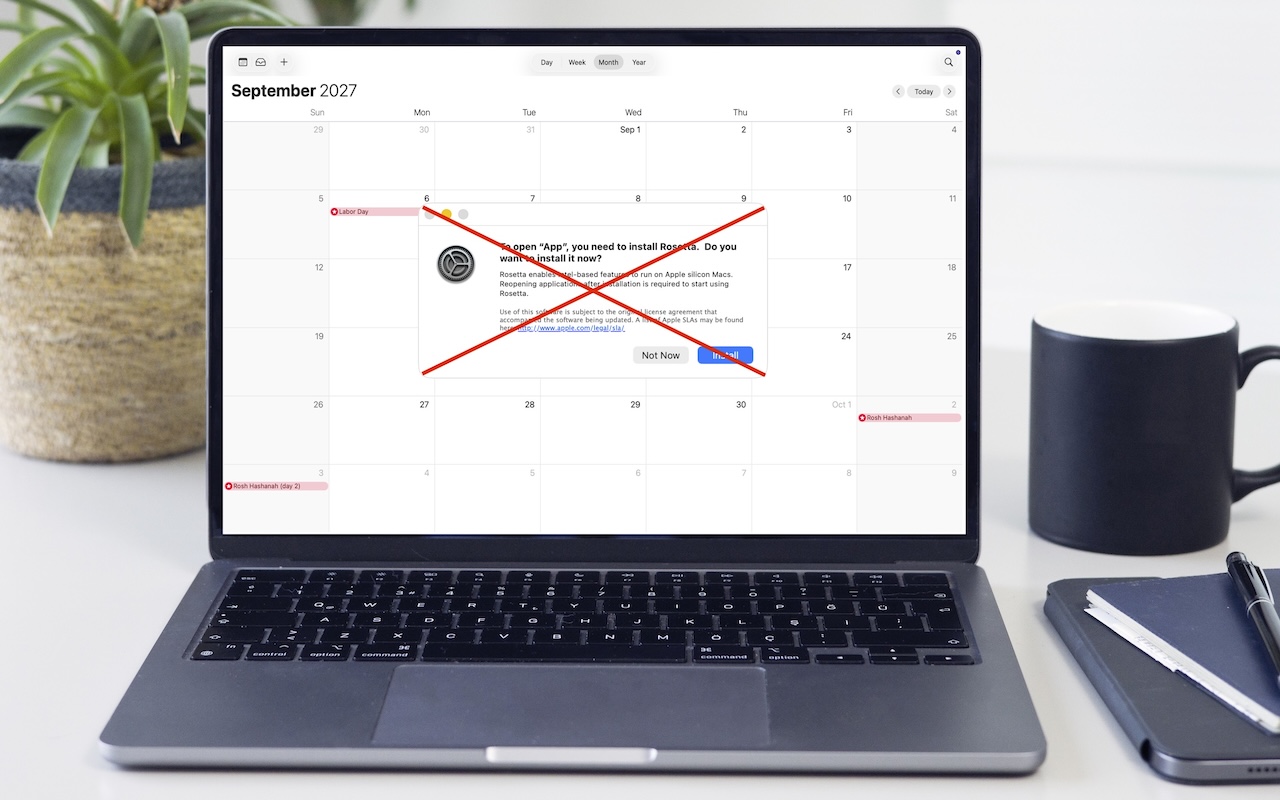
Intel-Based Apps Will Stop Working in macOS 28
April 3, 2026 · 1 min read

Privacy
Be Alert for Deepfake Phishing Scams
November 9, 2025 · 2 min read

hardware
Charge Your MacBook with the Right Power Adapter
November 7, 2025 · 2 min read