
Having Trouble Switching Apps on the iPhone X? Try This.

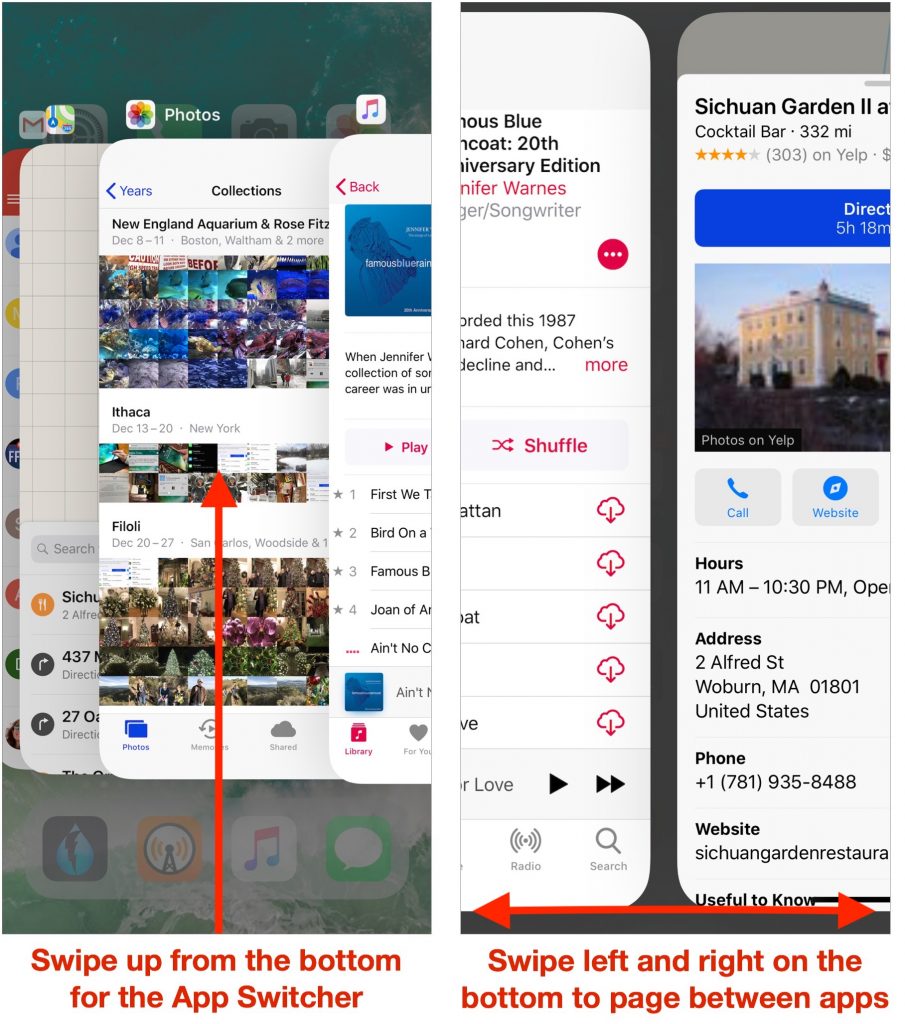
Since the iPhone X lacks a Home button to press twice for the app switcher, you’ll need to switch apps in a new way. To bring up the app switcher, swipe up from the bottom of the screen to about halfway, and then pause until the app thumbnails appear. Then you can scroll through your launched apps by swiping horizontally and switch to an app by tapping its thumbnail. While in the app switcher, you can also force-quit a frozen app: press a thumbnail to get a red minus button and tap that button. Alternatively, you can skip the app switcher entirely. Instead, swipe right on the very bottom of the screen to switch to the previous app—swiping left switches to the next app.
Not sure your Macs are ready for what’s next?
Book a free, no-pressure call. We’ll review your fleet, flag what needs attention, and you’ll leave with a plan either way.
Let’s Talk →Apple news worth your inbox.
One monthly note on the updates that actually affect your workplace. No noise.
Keep reading

Never lose a Word document again
