
Hey Siri, Could You Please Talk Less?

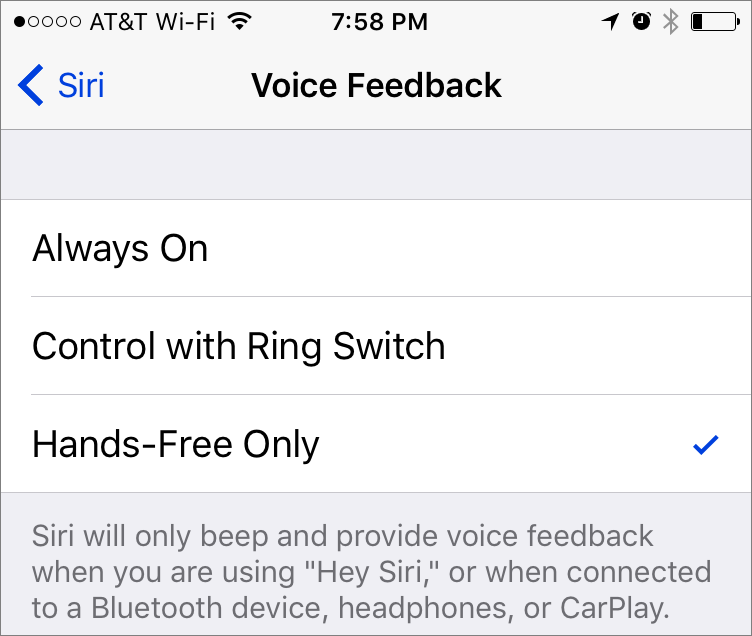
By default, Siri likes to chat, confirming what you say and speaking the results of your commands when appropriate. If you don’t like that, go to Settings > Siri > Voice Feedback and select either Control with Ring Switch (the iPhone’s physical switch) or Control with Mute Setting (iPad) to make Siri be quiet when the device is muted. Alternatively, choose Hands-Free Only to silence Siri except when connected to Bluetooth, headphones or CarPlay. Or set Siri to whisper—hold the Home button to invoke Siri and then reduce the volume, which applies only to Siri’s voice.
Not sure your Macs are ready for what’s next?
Book a free, no-pressure call. We’ll review your fleet, flag what needs attention, and you’ll leave with a plan either way.
Let’s Talk →Apple news worth your inbox.
One monthly note on the updates that actually affect your workplace. No noise.
Keep reading

Never lose a Word document again
